Role:
UX/UI Designer
Timeline:
3 Months
Platform:
Website
Deliverables:
UX strategy, research, IA, wireframes, UI design, prototyping, usability testing
Uni Hub App: Designing a Connected Campus Experience for Students
Uni Hub is a community-based mobile app designed for university students across Canada to help them manage their academic life, make more confident course decisions, and collaborate more meaningfully with peers.
The product vision was to create a unified experience that reflects how students actually think, plan, and interact throughout their academic journey.
Problem
What Students Actually Struggle With
Through early conversations with students and concept validation sessions, three recurring pain points emerged:
1) Fragmented tools
Students relied on multiple disconnected apps for timetables, campus navigation, messaging, and course information—creating friction and cognitive overload.
2) Information overload, but low relevance
Course information was available online, but scattered, inconsistent, and rarely personalized to a student’s actual classes or peer experience.
3) Peer knowledge locked in silos
Reviews, exam tips, and professor insights lived across group chats and forums, making them difficult to trust and reuse.
This led to the core design question:
Design Principle
From research synthesis, I identified three dominant student intents:
Stay organized
Understand classes better
Connect with peers naturally
These led to one guiding principle:
"organize first, inform second, connect naturally"
Three Pillars of Uni Hub
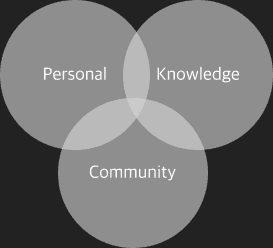
Uni Hub is built on three interconnected pillars—Personal, Knowledge, and Community—that together support how students plan, decide, and connect throughout their academic journey.
1) Personal Organization
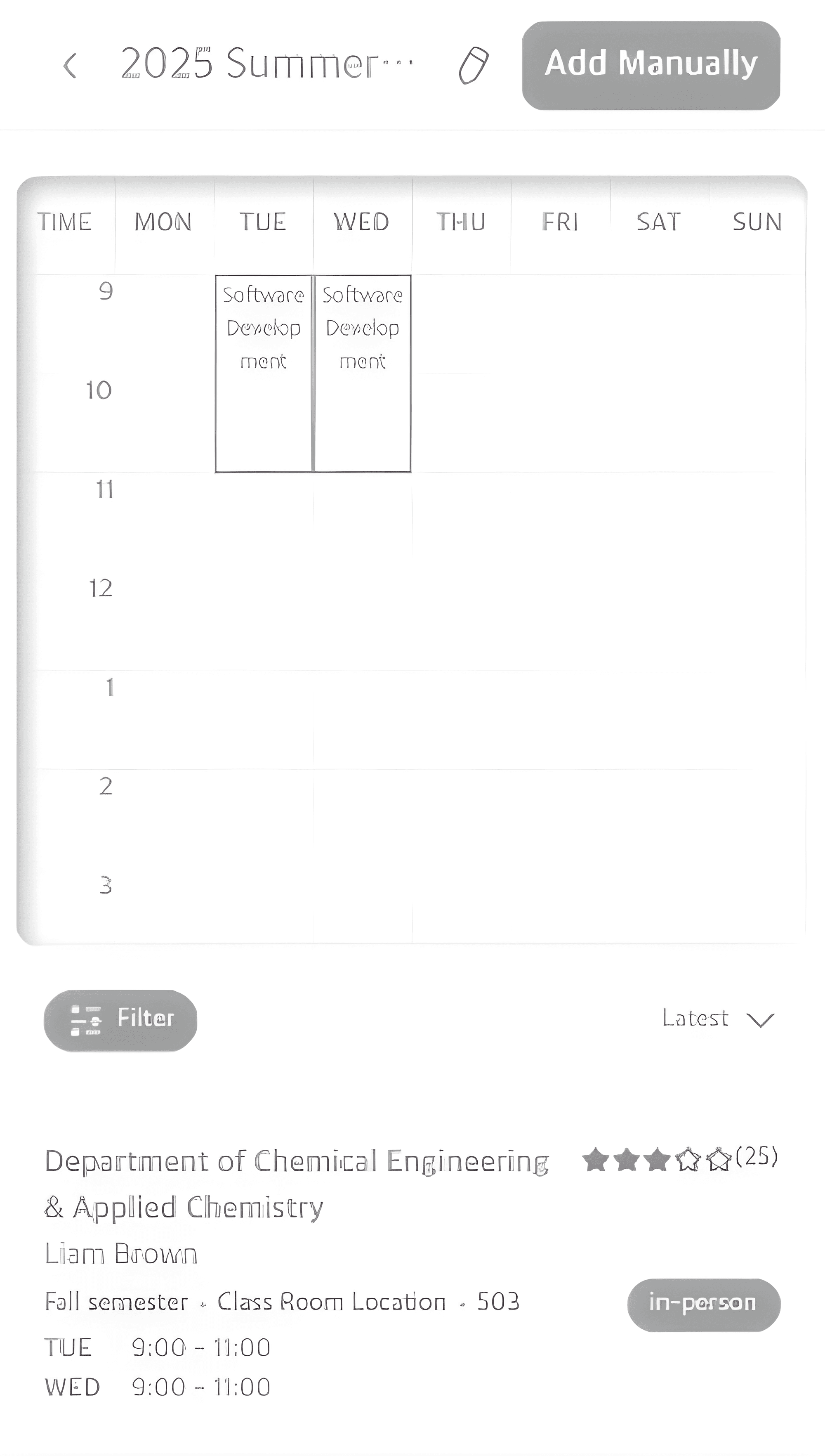
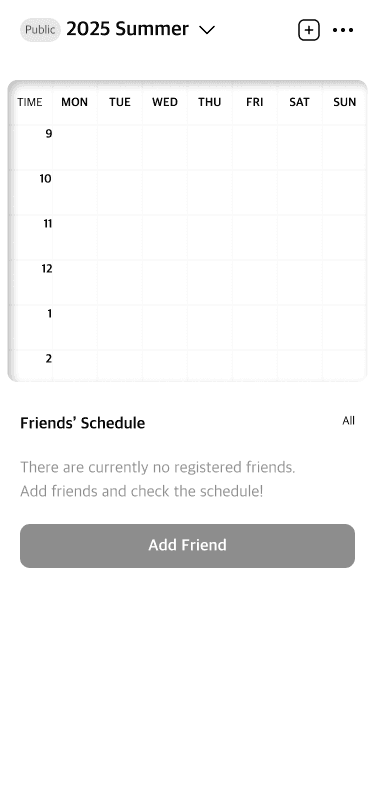
Uni Hub supports orientation through a combination of timetable planning and class map navigation—helping students understand what they need to attend and where they need to be.
Timetable for planning classes and managing time
Class map for locating classrooms and navigating campus
Class search and add flow
Even passive users—those who never post or chat—receive immediate, ongoing value.
2) Knowledge Sharing Layer
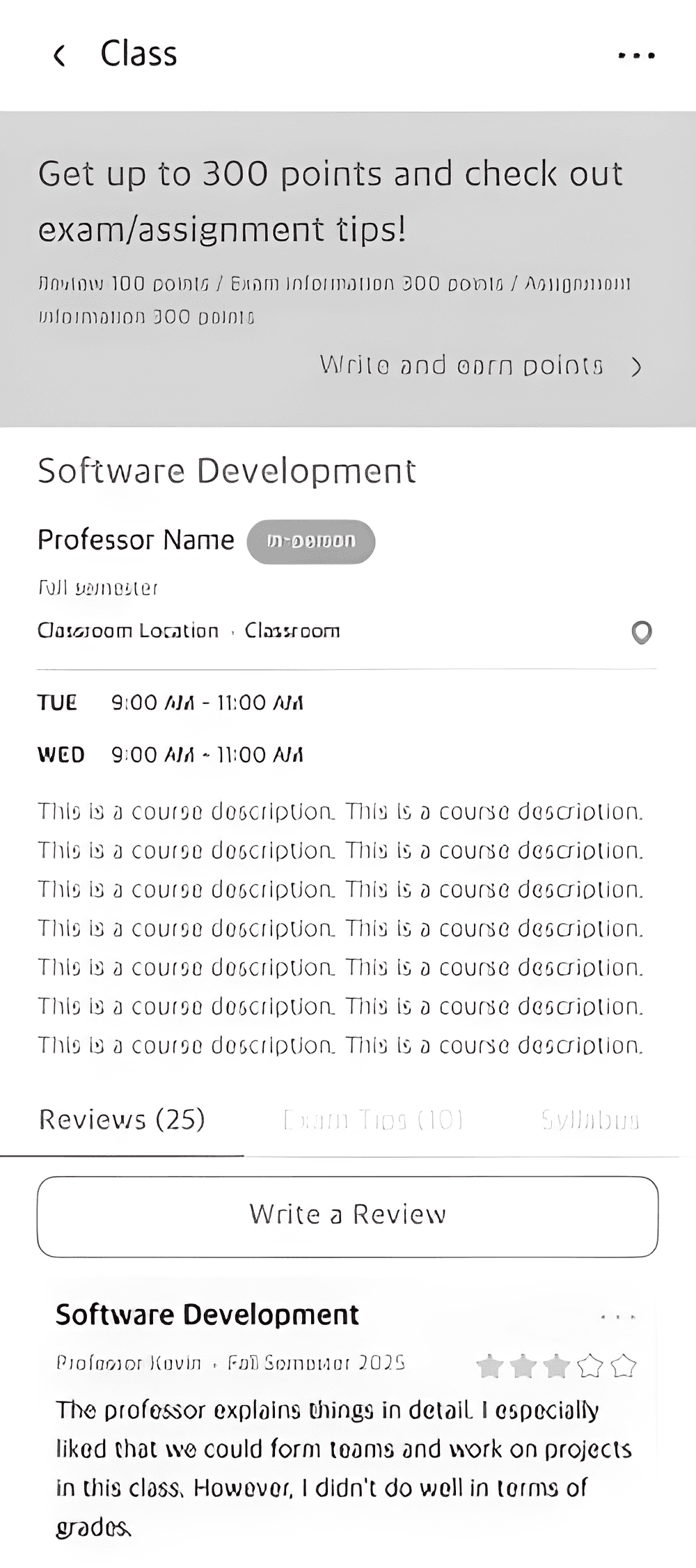
Peer insight is framed as guidance rather than ratings, and visually separated from official course information to maintain clarity and trust.
Each class detail page included:
Professor name and profile
Student reviews about teaching style and difficulty
Exam tips and study insights
Photo uploads related to class materials or study spaces
This transformed Uni Hub from a simple planner into a learning ecosystem.
3) Social Connection
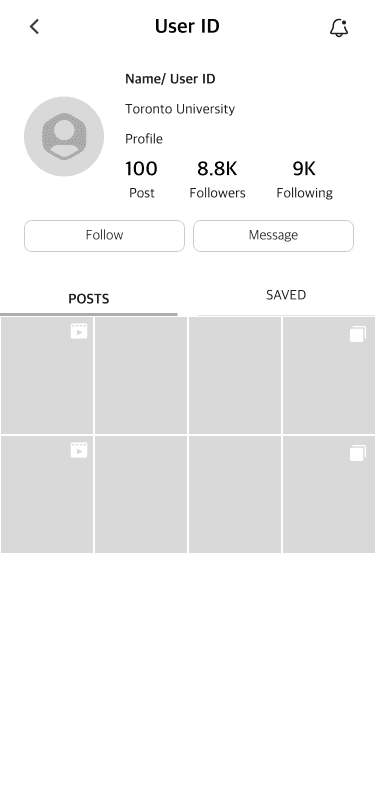
Helping students connect through shared academic context and they can discover and follow peers through the feed, with connections forming naturally over time through shared interests, contributions, and ongoing interaction.
Feed-based peer discovery
Follow and friend connections built over time
Friend’s suggestion via user’s contact
Social interaction informed by academic and campus activity
User Profile
My Schedule
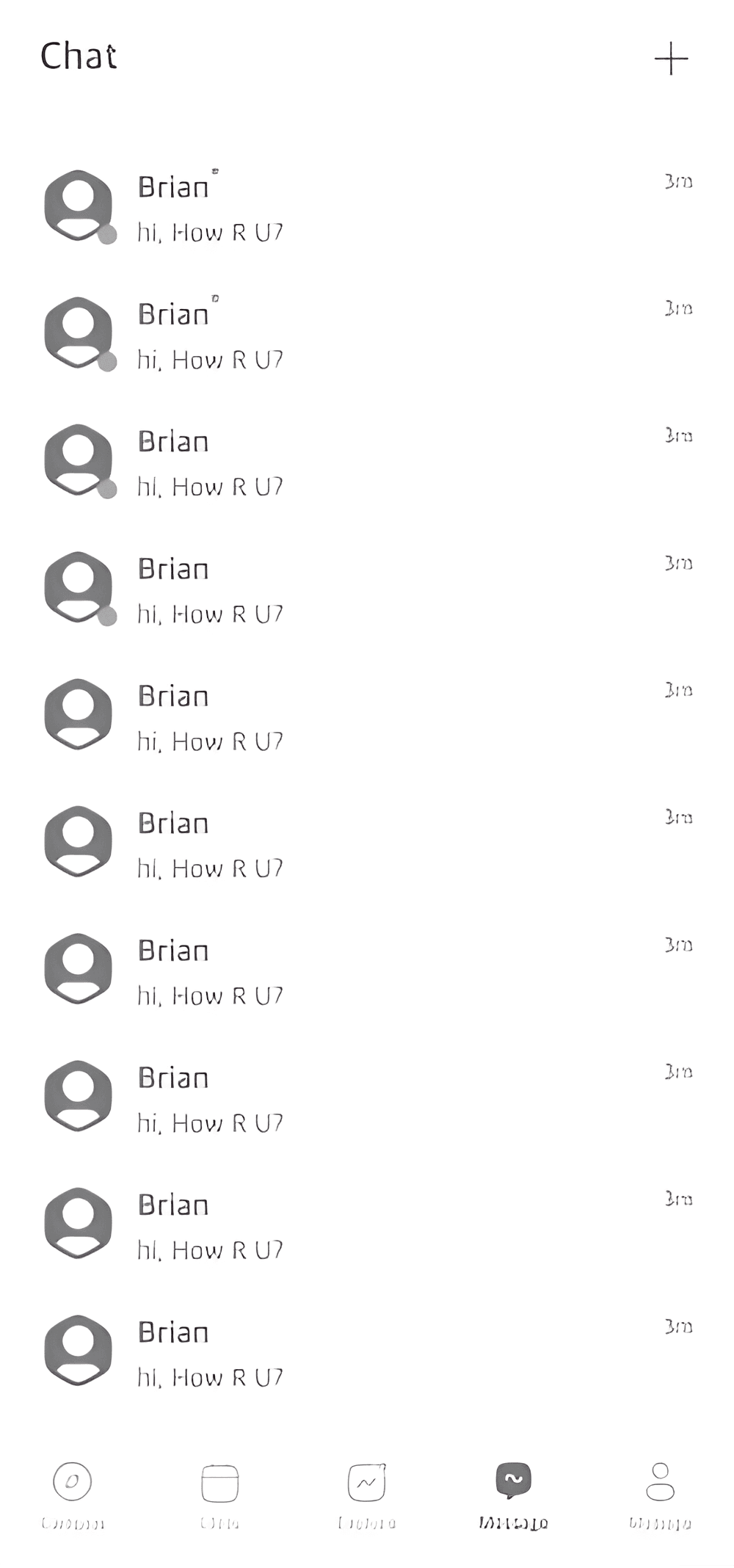
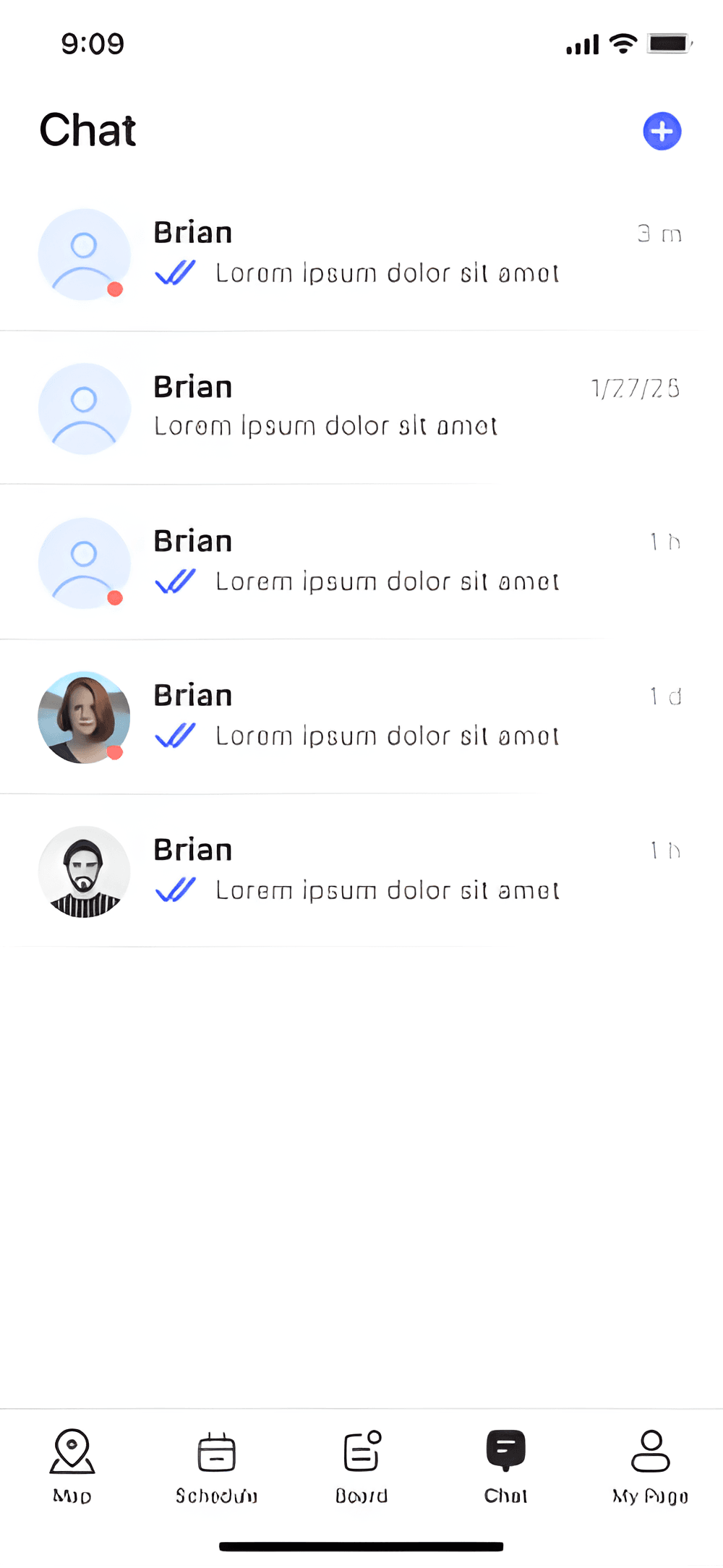
Chat
Designing Within Privacy Constraints
As peer features expanded, privacy emerged as a constraint.
Students were open to sharing academic context—but only with people they trusted. Making schedules visible to all classmates felt too exposed, while hiding them entirely reduced the value of connection.
Instead of relying on settings alone, visibility was embedded into the system:
Schedule visibility supports Privacy/ Friends only/ Public.
Asymmetric visibility is supported—students control what they share without automatic reciprocity.
This model protects academic privacy while still enabling meaningful peer discovery.
Key Screens
1. Schedule
Clean, scannable layout for daily academic use
Quick awareness of upcoming classes and shared schedules
Direct entry into class details and peer insights
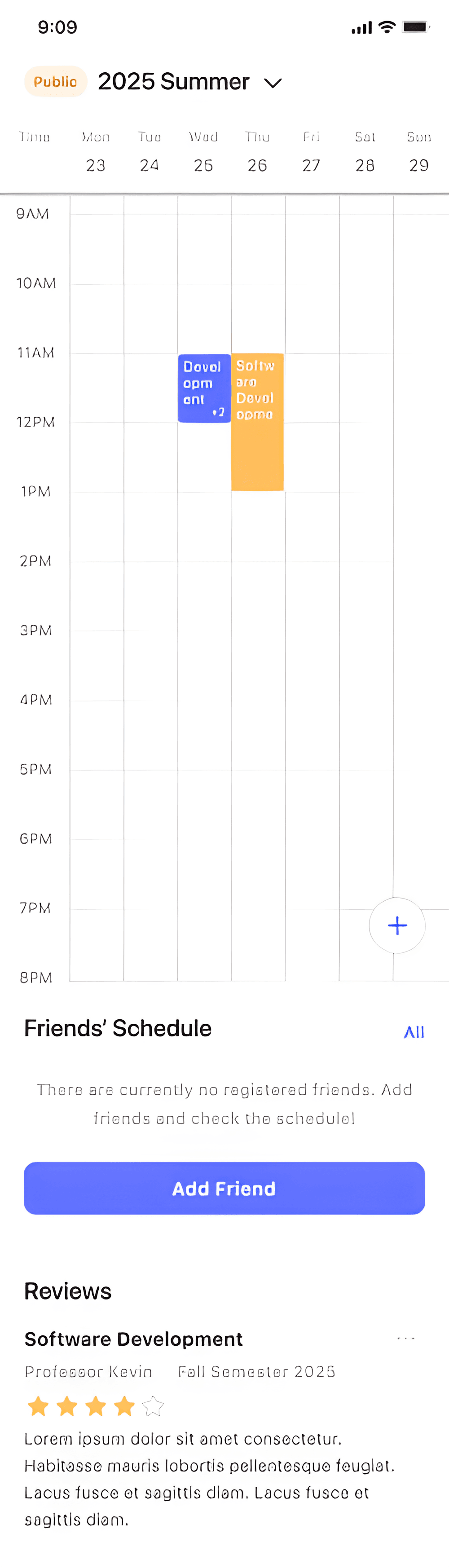
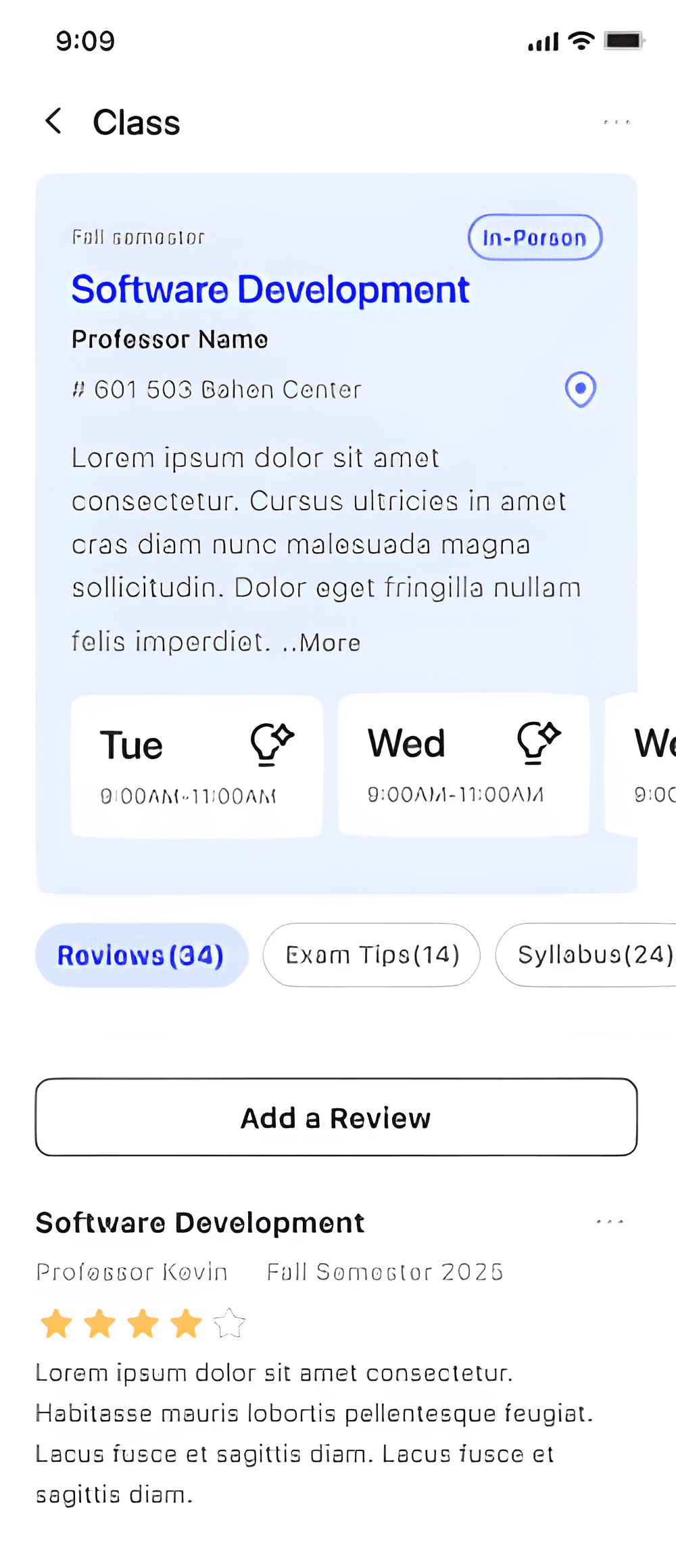
Class Detail
Clear separation between official course information and peer insights
Classroom location and logistics surfaced for quick orientation
Easy access to reviews, exam tips, and syllabus
Chat
The design was optimized to:
Reduce time spent managing schedules
Increase confidence in course selection
Encourage peer knowledge sharing
Improve collaboration among students
Create a scalable foundation for future features including event discovery, and AI-driven study support.
Designing Uni Hub highlighted that the hardest part of student products is not organizing information, but deciding how visible academic life should be. Features like feed-based discovery, peer reviews, and shared schedules required careful constraints to prevent social pressure from overshadowing learning. By deliberately grounding social interaction in academic relevance—and allowing relationships to form gradually—Uni Hub evolved into a system that supports confidence and trust rather than constant engagement.
A meaningful next step would be introducing credibility signals for peer insight within class detail pages. Rather than ratings or popularity metrics, lightweight signals—such as “taken last semester,” “shared by multiple classmates,” or “commonly referenced before exams”—could help students assess the reliability of peer reviews and tips at a glance.